
Fill out PDF forms
Fill in text fields, checkboxes, and choices in PDF forms. Your fill-in profile keeps your name, ID number, address, and phone ready to add.
 Sign PDF and Word files
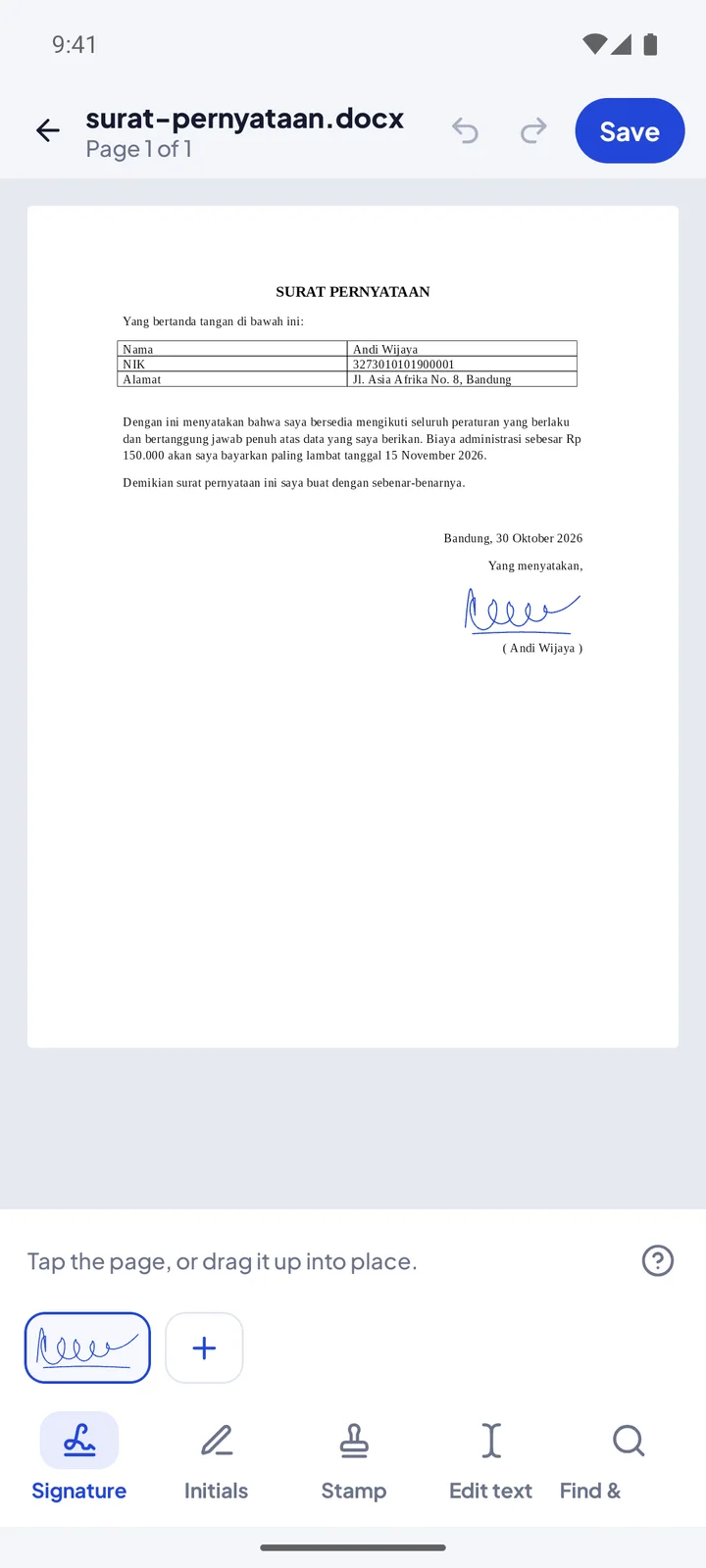
Get a file from WhatsApp, drag your signature into place, then save and send it back in seconds. No printing, scanning, or laptop.
Want to try it first? Become a tester
Documents you get by WhatsApp or email can be signed and sent back without switching devices.
Draw your signature with a finger, type your name in a handwriting style, or photograph a signature on paper. The paper background is removed automatically.
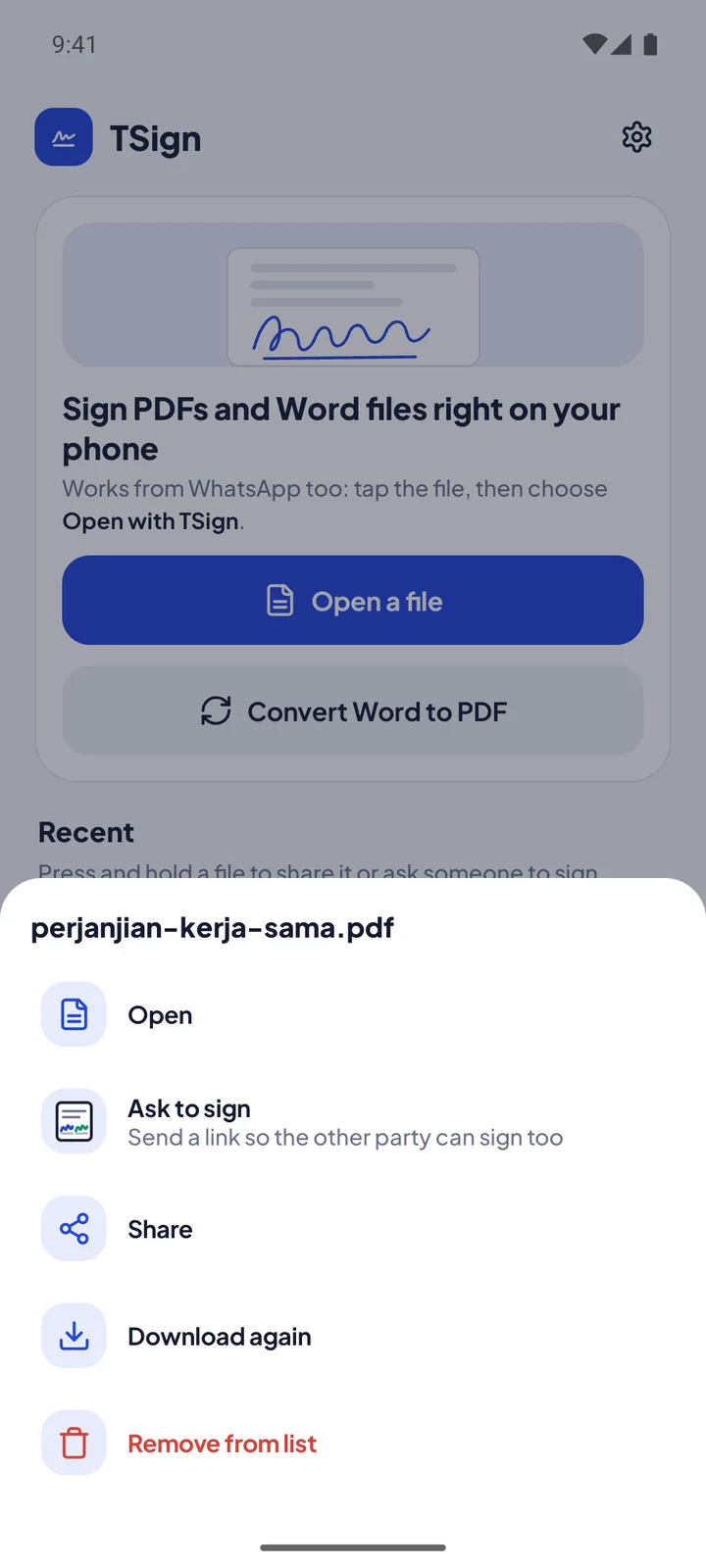
Send one link to the other party. On Android it opens in TSign so they can sign too. On an iPhone or laptop they can download the document in the browser.
Every save creates a new file in Download/TSign. The signature becomes part of the page, so others can't move it.
Open a file, add your signature, initials, or stamp, then share the result.
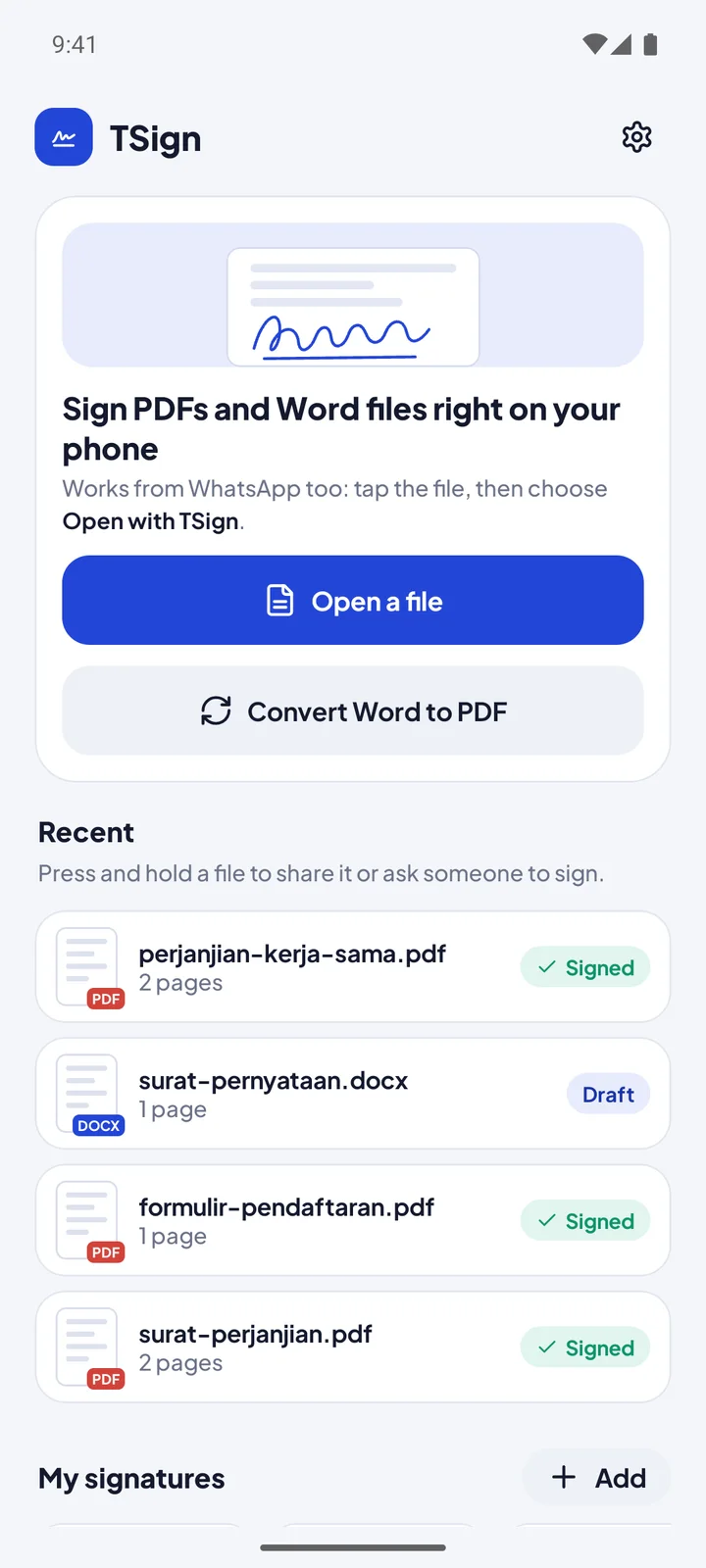
From contracts to registration forms.
Small details that make paperwork faster.
Fill in text fields, checkboxes, and choices in PDF forms. Your fill-in profile keeps your name, ID number, address, and phone ready to add.
Edit the original PDF text line by line, cover text you don't need, or add bold text with letter spacing for boxed ID numbers.
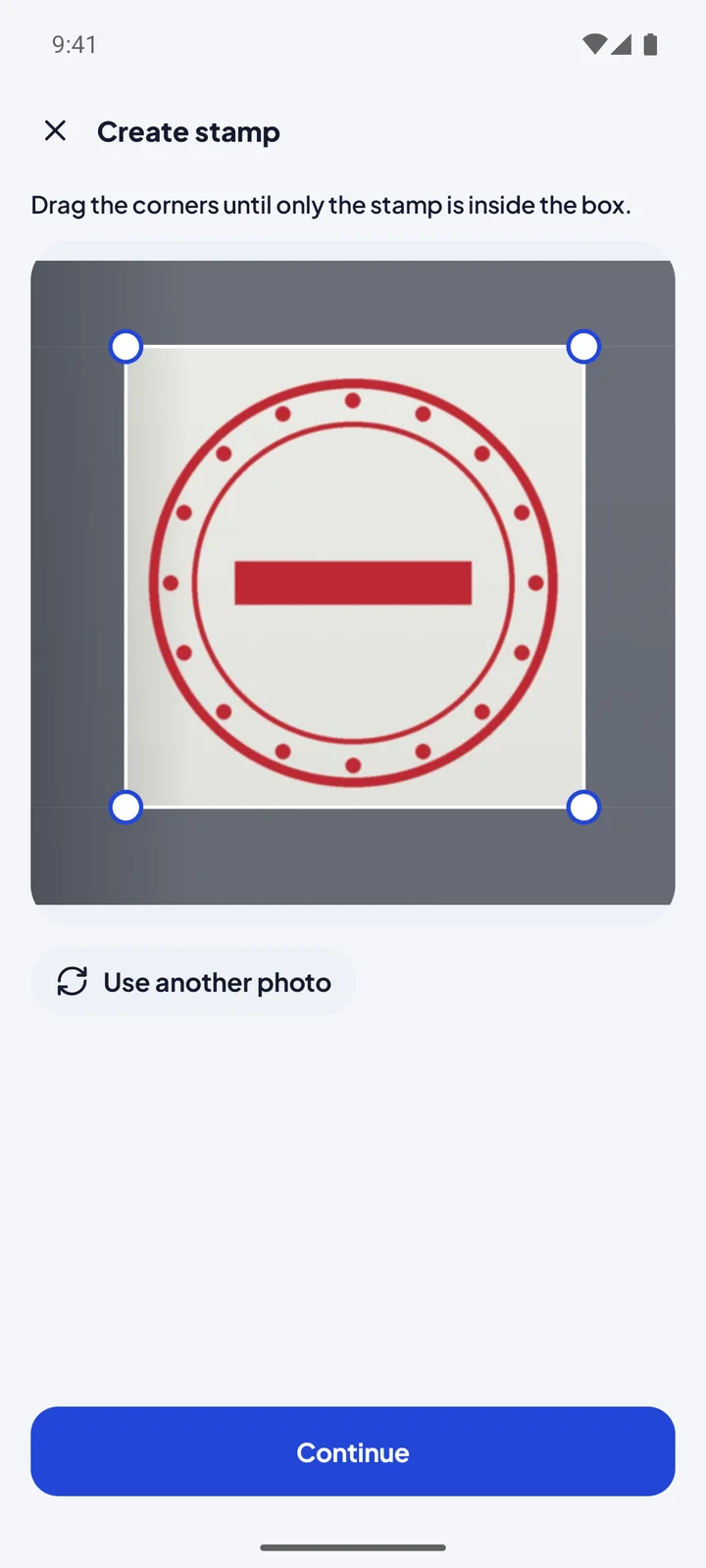
Crop a photo of your signature or stamp first, then rub out anything that isn't part of it with the eraser.
Open a PDF locked with a password, then sign it like any other document.
Convert Word documents to PDF from the home screen or straight from the Share menu.
Print with Android's print service, save to another folder, or download your last result again anytime.
No document limits and no watermark. Premium only removes ads.
Prices shown are for Indonesia and may differ in your country according to Google Play. Subscriptions can be canceled anytime in Google Play.
Help us test it before the official release. It is free, and we read every piece of feedback.
Join the Widzu Testers Google Group with the Google account you use on the Play Store.
Open the TSign testing link, then tap "Become a tester".
After a few minutes, you can install the app from the Play Store as usual.
Can't find your answer? Send a question through the Help menu in the TSign app.
Open the document in TSign, tap the share icon next to Download or long-press the file in your list, then choose Ask to sign. Send the link by WhatsApp or email. On Android it opens in TSign; on an iPhone or laptop the document can be downloaded in the browser.
No, unless you send an ask-to-sign link yourself. That link is encrypted on your phone first and the key is only in the link, so our server can't read the document. Linked documents are deleted automatically after 30 days.
TSign creates electronic signature images that become part of the page. For documents that require a certified electronic signature or e-stamp, use the official service required.
Yes. TSign opens .docx files including letterheads, tables, and images. After signing, save as Word or PDF.
Ads keep every feature free with no document limits. If you'd rather not see ads, Premium removes them all.